



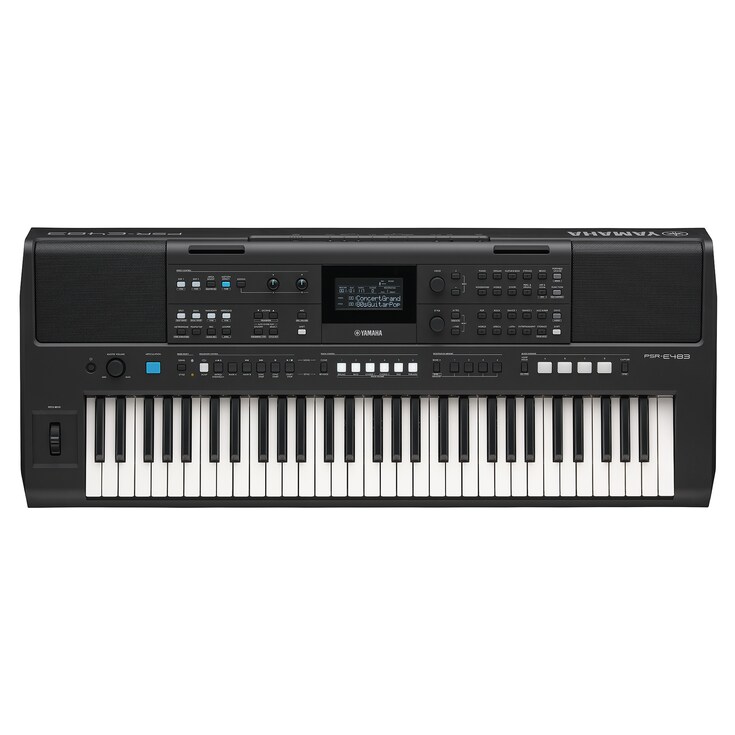
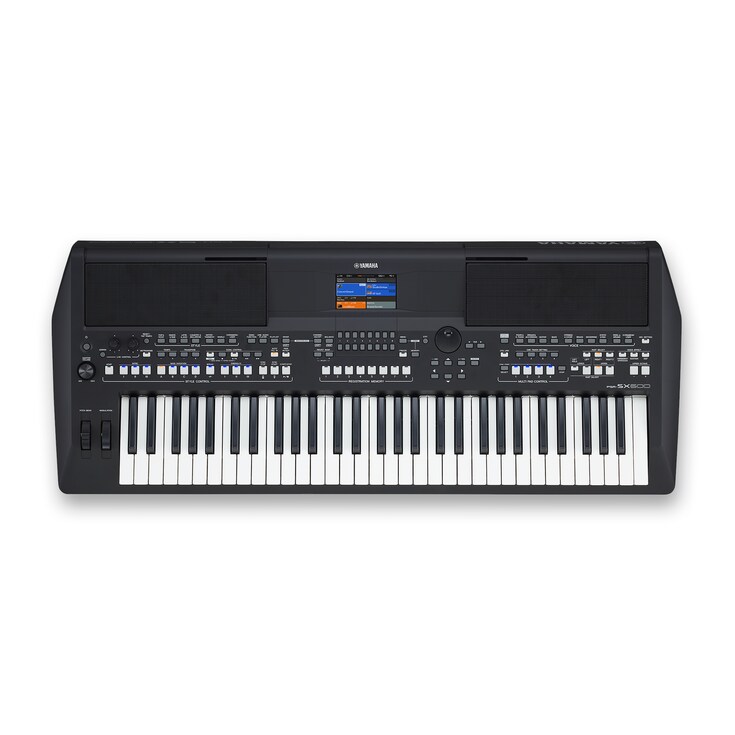
Designed for music enthusiasts, the Yamaha PSR-E483 is a portable 61-key keyboard packed with expressive sounds and intuitive controls to make playing and creating effortless.
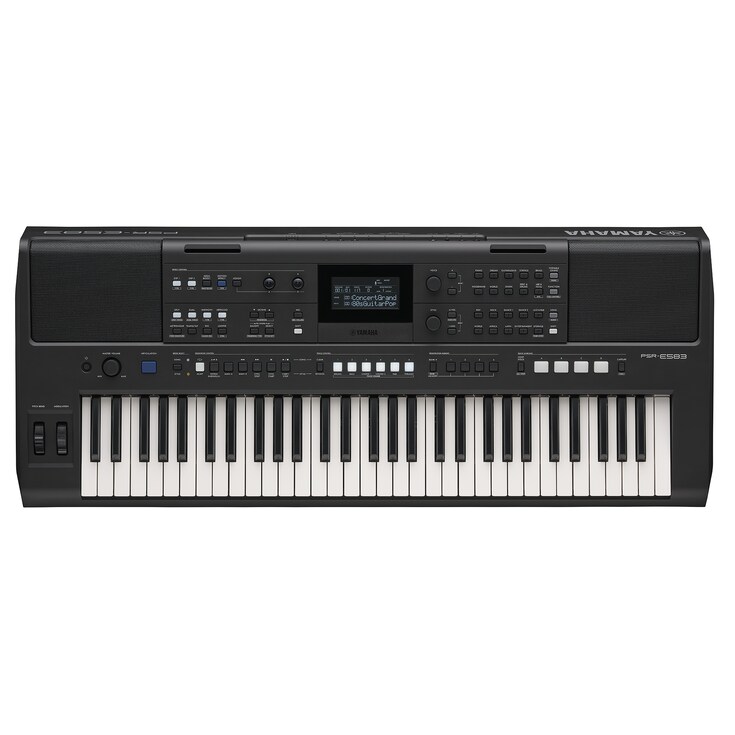
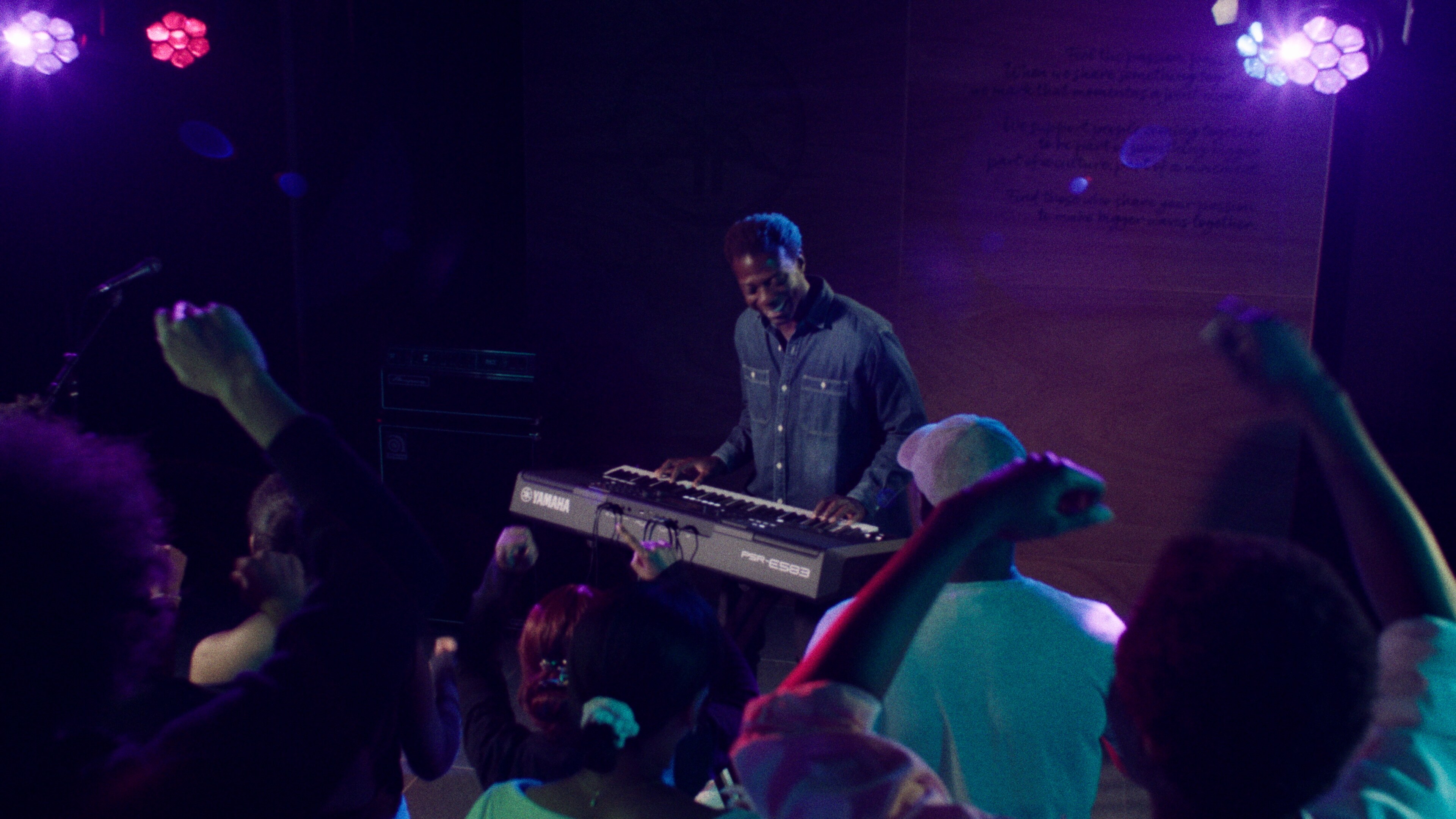
Made for performers, the Yamaha PSR-E583 is a portable 61-key keyboard packed with expressive sounds, easy controls, and everything you need to take the stage.


Next Level Performance + Expression
Designed for the performer, the Yamaha PSR-E583 61-key portable keyboard is packed with features, including a wide assortment of Voices and Styles, and optimized for global music-making. The intuitive control panel and illuminated buttons ensure easy access to functions, putting control and self-expression right at your fingertips.
SOUND
Play any song, any genre
WIDE COVERAGE SOUNDS
Play Any Song, Any Genre, Any Time.
With a massive range of Voices and Style presets, play any song or genre – even requests from the audience – with a touch of button! Featuring 890 different Voices, including electric piano, organ, vibraphone and strings, and 345 preset Styles, unleash your creativity on stage or at home.
-
Voices
The PSR-E583 expands on previous generations with an increased internal storage capacity that allows Yamaha to provide more, higher-resolution instrument Voices. Enjoy 890 realistic, expressive instrument sounds from here and around the world with pro-level sound quality.
-
Styles
Choose from 345 automatic accompaniment Styles including rock, dance, and jazz as well a wide range of musical genres from around the world. Experience the thrill of playing in your very own band as the Styles respond to your left hand with just the right rhythms, bass, and chords.
-
World Content
Piano. Organ. Igbo Drum. All included. The PSR-E583 is designed to support music across the globe. From Afrobeats featuring Igbo instruments, to reed instruments and percussion for that distinctly South American sound, to traditional organ Voices for worship, the PSR-E583 is designed for your local sound.

SUPER ARTICULATION LITE
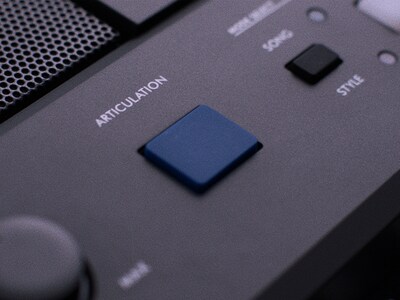
SUPER ARTICULATION LITE Voice faithfully recreates the sounds of non-keyboard instrument, like the scratch of the strings of a guitar or the performer’s breath when playing a wind instrument.
DSP EFFECTS
Take your music to the next level with the powerful DSP effects engine, featuring 41 DSP1 and 12 DSP2 effects. These effects transform instrument Voices by enhancing tone, adding texture, and delivering expressive, realistic sound, as well as provide layering and accompaniment parts for more sonic flexibility. With a single press of the DSP button, toggle effects on or off instantly, perfect for dynamic performance control.
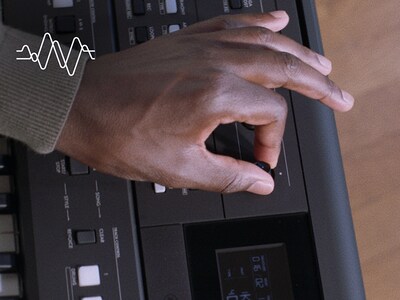
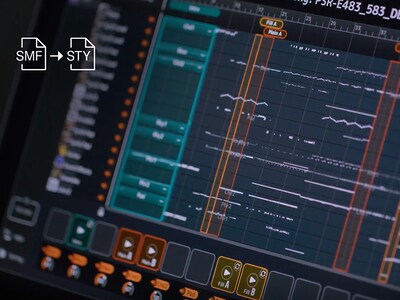
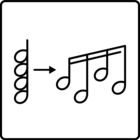
MIDI SONG TO STYLE APP
Transform MIDI Files into Your Personalized Style.
Automatically generate style data from your existing MIDI song library. Easily change standard MIDI files into dynamic, full-fledged Styles, complete with intros, endings, and transitions.
CONTROL
Instantaneous Control
-
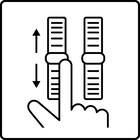
Pitch Bend Wheel
Moving the pitch bend wheel up or down changes the note you're playing smoothly, bringing instrument Voices like guitars, sax and trumpet and synthesizers to life, widening your range of expression.
-
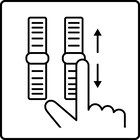
Modulation Wheels
Add effects like vibrato, organ rotary speaker and other effects to modify your sound in real-time while performing.
-
Live Control Knobs
When playing live, assign aspects of your musical performance to the Live Control Knobs, altering the characteristics of your sound on the fly.
-
Expression Pedal
Increase or lower your output, independent of the master volume knob, freeing up your hands
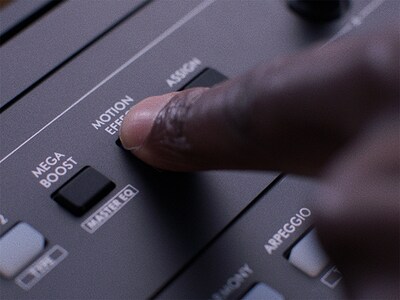
MOTION EFFECT
Control different effects like phasers, tremolo, and other moving effects with the touch of a button
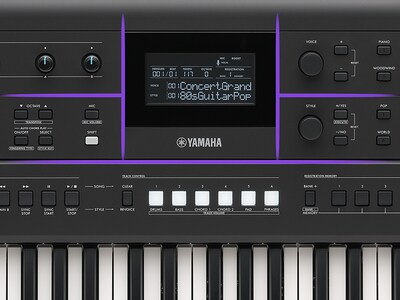
GRID PANEL DESIGN
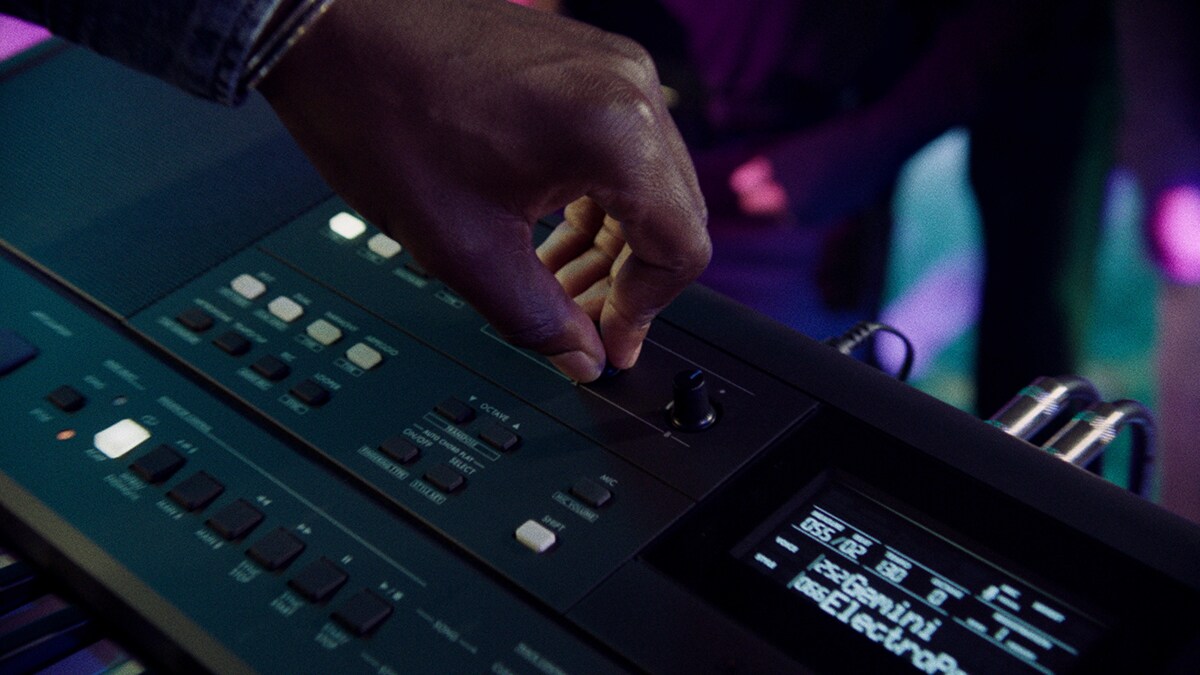
Quick and easy access to Voices, Styles and functions so that you can focus your time on being creative
PERFORMANCE
Perform, Pursue Originality
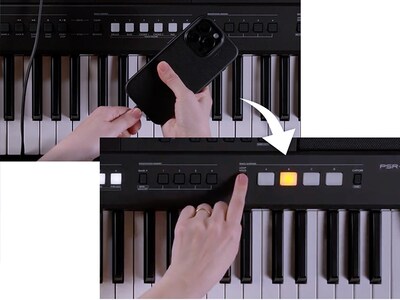
QUICK SAMPLING
Get the Music Started Quickly.
Explore your creativity with the Quick Sampling function, delivering the ability to record a short musical phrase and assign it to the Quick Sampling button. With the tap of the SYNC button Quick Sampling playback will wait until the next bar of the Style to begin, ensuring your sample starts at the exact right time.
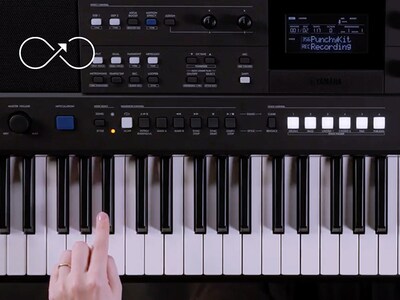
LOOPER FUNCTION
Unleash Your Creativity.
Free up your hands during performances, practicing complex pieces, or building song sections by recording and looping chord progressions, drums patterns and musical phrases.
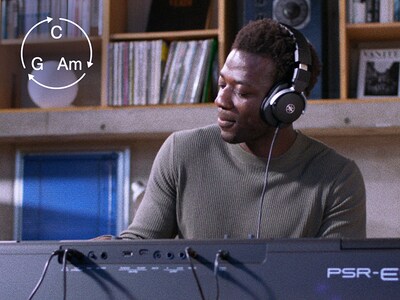
AUTO CHORD PLAY
Take Your Performance to the Next Level.
Expand your performance range with the convenient Auto Chord Play function with customizable chord progressions, which automatically plays back the predetermined chord progression while you’re playing a Style, freeing you up to solo or experiment – without worrying about playing the changes.
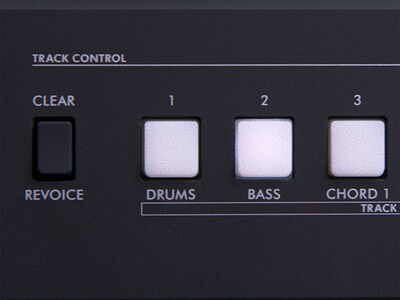
TRACK CONTROL
You’re In Control.
Empower creativity and transform your keyboard into a versatile instrument for producing professional-quality music with Track Control.
・ TRACK ON/OFF: Seamlessly shape your sound by muting or unmuting individual parts of a preset Style. Transition smoothly between song sections without needing to Switch styles, creating dynamic and expressive performances.
・ REVOICE: Effortlessly tailor any track to suit your musical vision. Change instrument Voices on tracks that may not match your composition, maintaining a rich, layered accompaniment without compromising depth.
・ VOLUME Setting: Achieve perfect harmony by adjusting the volume balance across tracks. Personalize the sound to match your preferences, ensuring every note resonates just right.
OTHER PERFORMANCE SUPPORTS
-
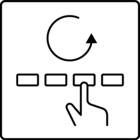
Registration Memory
Save your favorite Voice and control panel settings so that you can call them up in an instant with the touch of a button, even while playing. No need to search for Voices, Styles and settings!
-
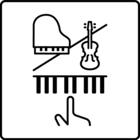
Dual/Layers
Layer two different instrument Voices to create limitless combinations that result in original, thicker, and broader sound.
-
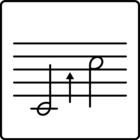
Octave Shift/Transpose
Transposing is a breeze when you can raise or lower the pitches you play in increments of half-steps or octaves simply by pressing the buttons on the instrument's panel.
-
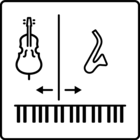
Split
Split the keyboard wherever you like and assign different Voices to each side to enjoy playing one Voice on the left side and another on the right at the same time.
-
Arpeggio
Simply hold the keys of your desired chords, and the keyboard automatically produces corresponding arpeggios (broken chords). You can use the arpeggiator to add exciting musical elements to your producing and performances.
Connectivity & Output
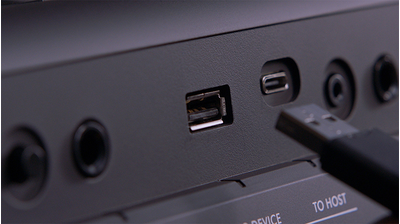
A variety of connectivity options provide all the support you need for practicing, playing, and performing. Plug in a microphone to try your hand at singing while playing, use the Rec'n'Share app to share your music with the world, and hook into PA systems to perform on stage.
・ USB TO DEVICE: Store/Load various data to/from USB devices.
・ USB TO HOST (USB-C): Send/Receive audio and MIDI data to/from computers and smart devices.
・ Individual L/R output: Connect to PA systems and studio equipment.
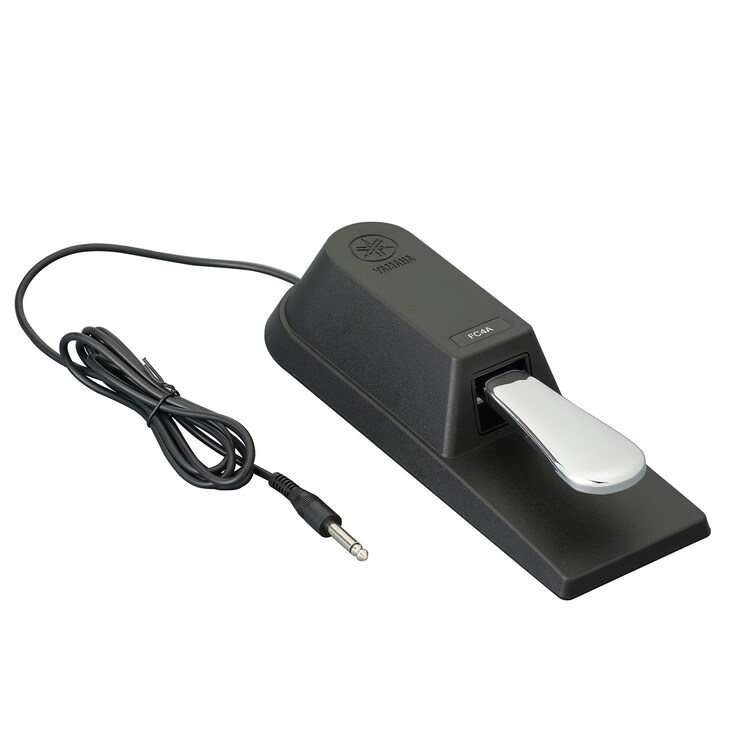
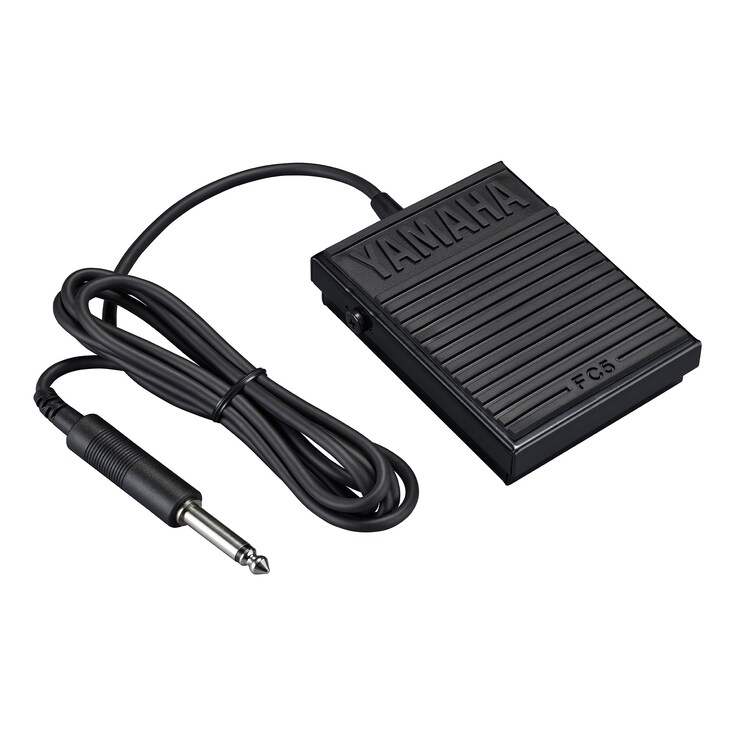
・ Foot Switch: Use a sustain pedal to control sounds.
-
Mega Boost
Press the Mega Boost button to add +6dB of powerful volume!
-
Mic Input & Vocal Effect
Connect a microphone and sing along with your playing while using built-in studio-quality vocal effects, giving you everything you need for a pro-sounding performance.

-
Rec'n'Share
Use the Rec'n'Share app to connect your instrument to a smart device, and then create and share audio and video recordings of you playing along with your favorite songs.

Artist Video
Tutorial Video
Related Information
Related Products

* Specifications are subject to change without notice. The colors and finishes shown may vary from those on the actual products.
