





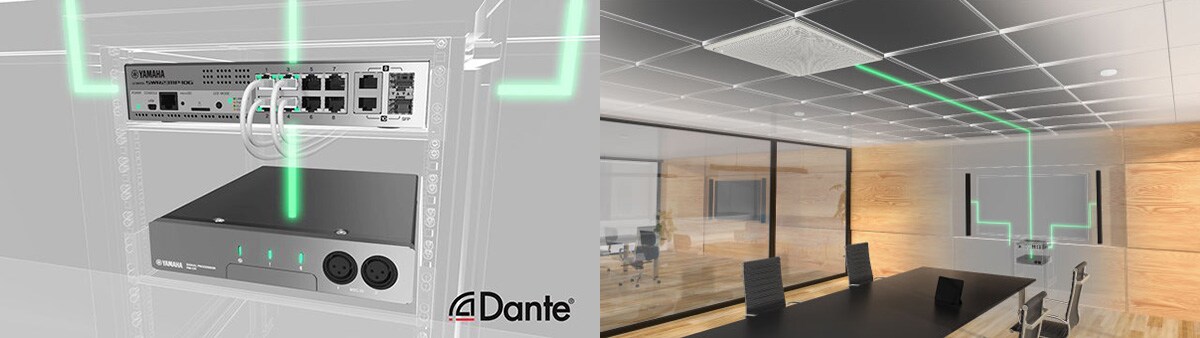
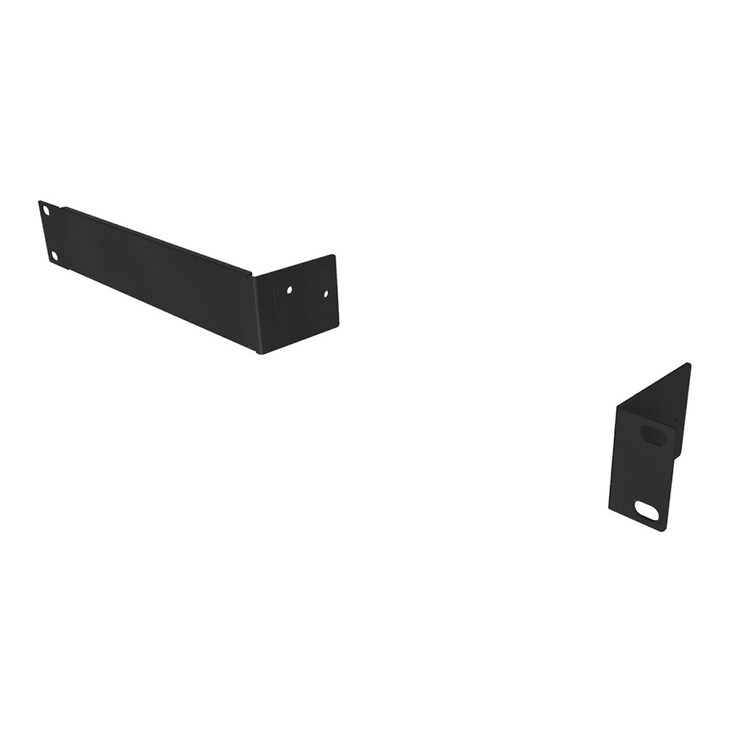
Mount kit for mounting the Remote Conference Processor "RM-CR" in a rack.
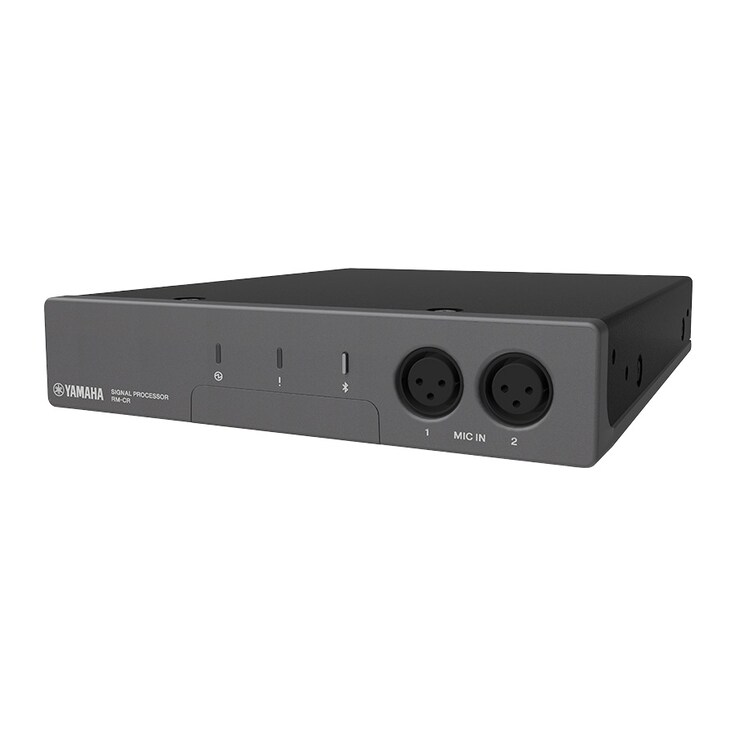
Signal processor at the heart of the ADECIA
- Standard network audio support for "Dante"; all compatible devices can be connected with single network cable
- Equipped with the Auto Tuning functions that automatically measure and provide the optimum sound settings for the environment
- Equipped with the Auto Mixer functions that automatically mix the audio of all connected microphones
- Equipped with various Input/Output connections such as USB, analog, and Bluetooth
- Advanced AI Denoiser for Crystal-Clear Conversations
- Auto Setup and audio tuning for Voice Lift System

-
For customers using firmware version 2.8 or earlier:
Highlights
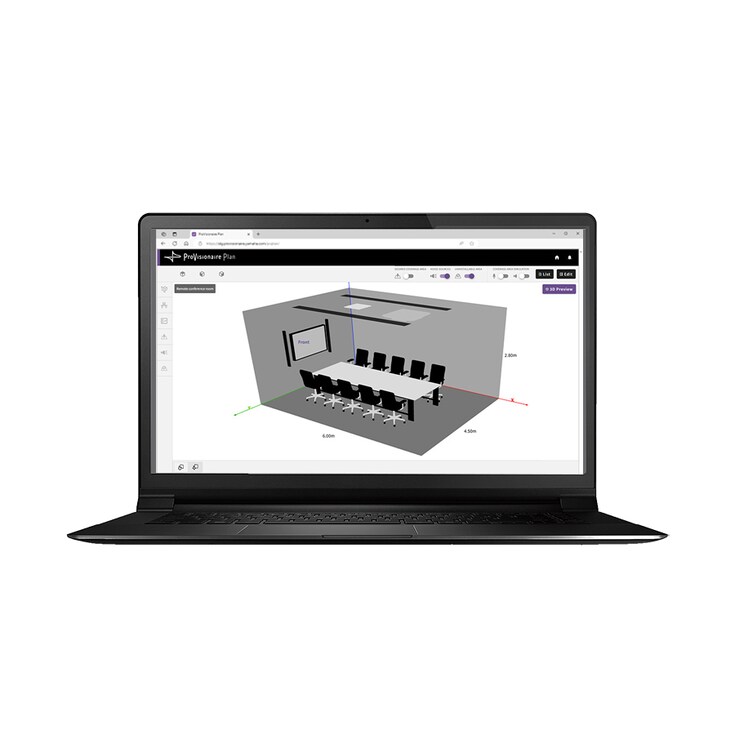
Effortless yet Professional — Auto Design & Setup for Voice Lift
From device selection to audio tuning, the Room Design tools in ProVisionaire Plan and ProVisionaire Cloud, together with the ADECIA conferencing solution, automate the process to deliver clear and natural sound—even in large-scale spaces.
*This feature is supported by ADECIA Firmware Version 3.0 and later.
Signal processor at the heart of the ADECIA
Remote conference processors to easily resolve several difficult problems associated with troublesome wiring, establishing network environments, and optimizing acoustics for each room environment.
Solutions
-
ADECIA Ceiling
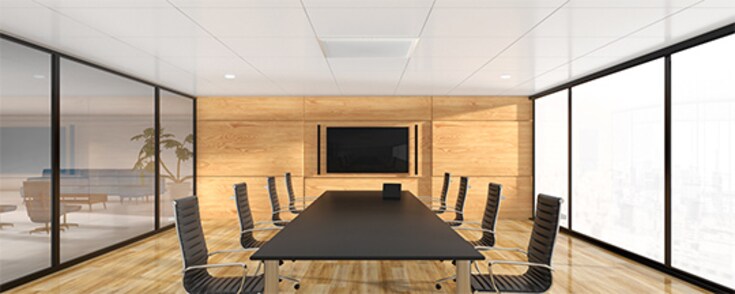
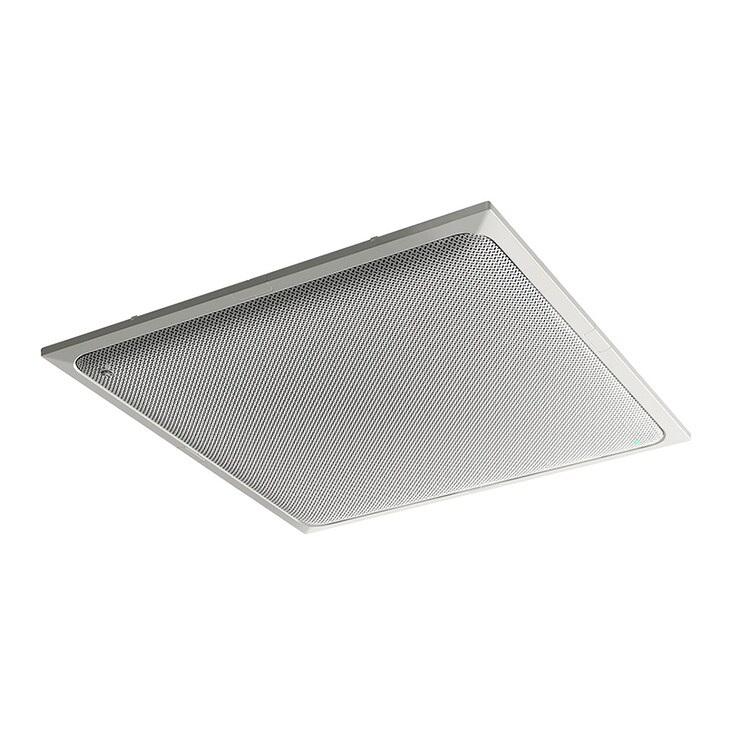
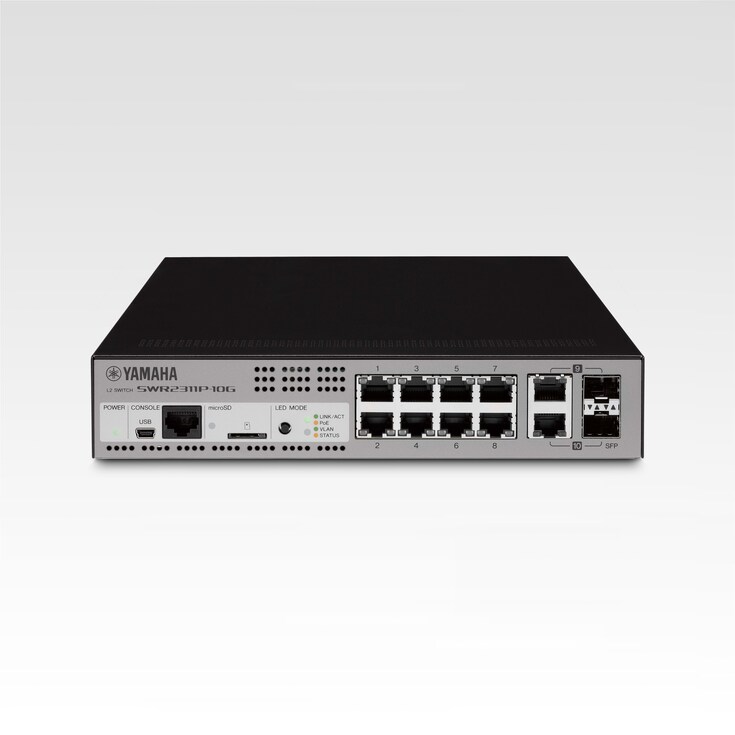
The comprehensive conferencing solution introduces the ceiling array microphone and remote conference processor, and includes long-trusted PoE network switches and Dante PoE powered speakers.
-
ADECIA Wireless
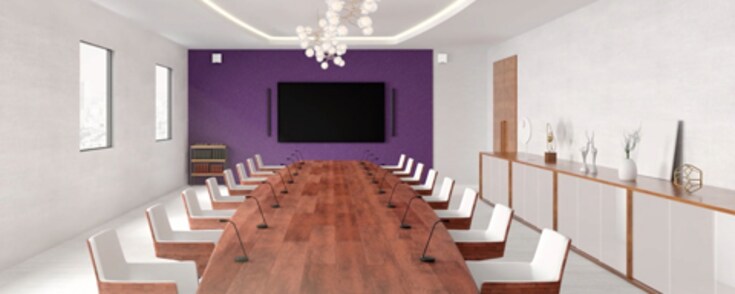
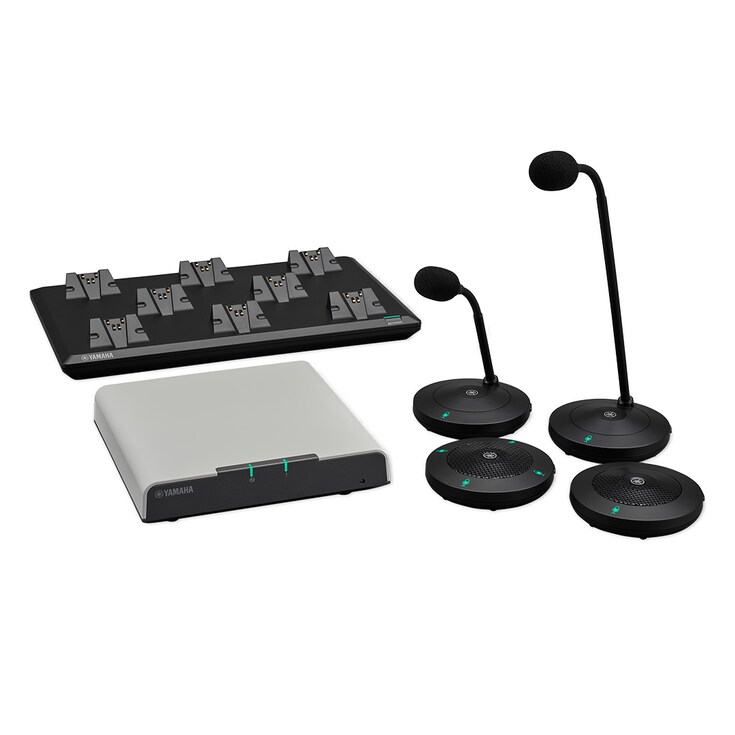
Flexibility to choose between gooseneck and boundary microphones to customize your usage to adapt to your use-case, creating the most comfortable conferencing space without worrying about wiring or configuration changes should the layout change.
-
ADECIA Tabletop
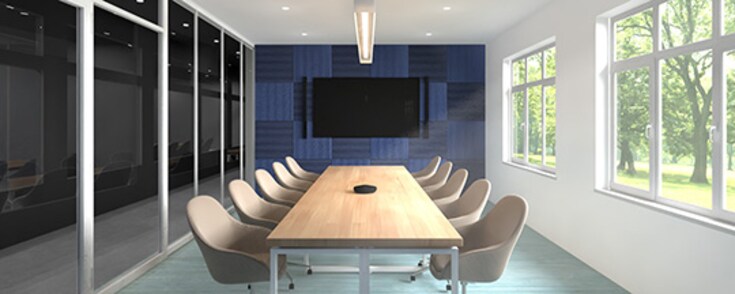
With the new wired Tabletop Array Microphone "RM-TT", users have more flexibility to customize ADECIA to their use case.
Certified by Strategic Partners
Features
Standard network audio support for Dante—all compatible devices can be connected with single network cable
Uses the Dante audio network standard for audio transmission between devices. Audio/control signals can be transmitted via a single network cable. The RM-CR Remote Conference Processor performs voice line settings and detailed adjustments automatically, which easily resolves several difficult problems associated with troublesome wiring, establishing network environments, and optimizing acoustics for each room environment.
Power supply uses the PoE method, enabling power to be supplied via a network cable
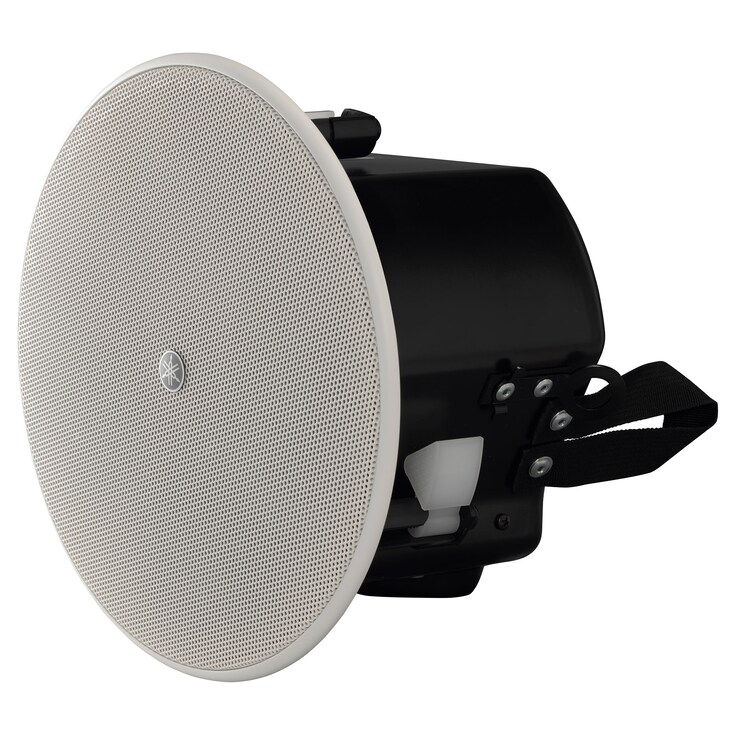
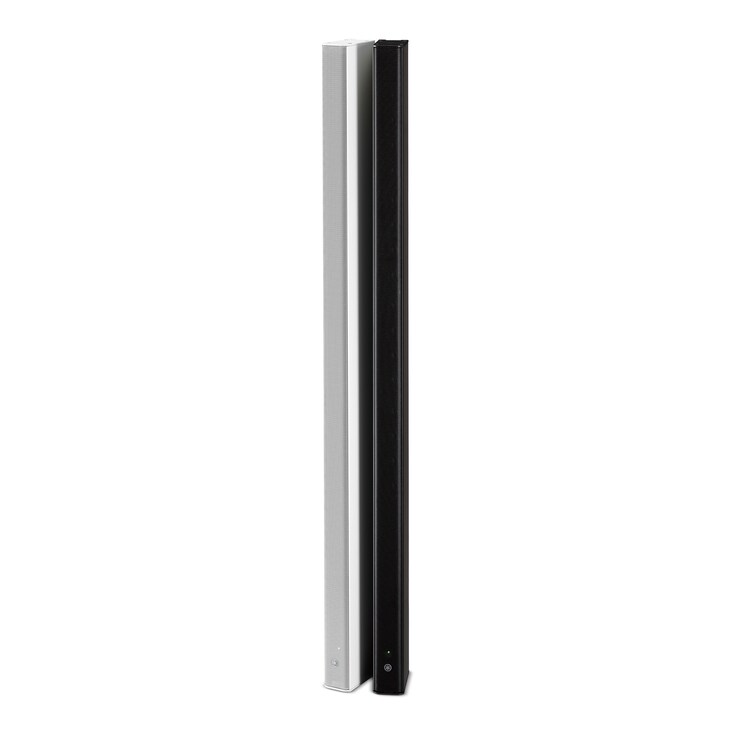
Power supply uses the PoE method. Together with the RM-CG Ceiling Array Microphone and Dante/PoE-compatible VXL Series Model P line array speakers, the RM-CR uses power supplied from the PoE-compatible Yamaha network switch via a network cable, sparing you any worry about compatibility with various devices.
Automatically recognizes connected devices on the same network for audio routing
All it takes is a click in your web browser. The setup wizard automatically performs audio routing in your system. This minimizes the enormous amount of time required for adjustment, and can be easily set without knowledge or experience of acoustics.
Equipped with Auto Tuning functions to automatically measure and provide the optimum sound settings for the environment
By automatically recognizing devices connected to the same network as the RM-CR, analyzing the acoustic environment of the room where it is installed and the state of any installed speakers, and automatically optimizing the parameters of signal processing technology, etc., the Auto Tuning function adjusts for optimum sound that makes hearing and speaking easy.
Equipped with Auto Mixer functions to automatically optimize the mixing balance of audio input via Dante
Equipped with Auto Mixer functions that allow you to select either gain-sharing type* or gate type, enabling input level balance to be actively adjusted from each microphone.
*Gain-sharing type does not require complicated settings such as threshold level, attack time, or hold time.
Equipped with various input/output connections such as USB, analog, and Bluetooth, compatible with diverse applications
Equipped with various interfaces such as USB, Bluetooth®, and audio input/output, the system can be used not only for web conferencing but also for other remote conferencing applications such as video conferencing and conference calls. As it’s compatible with Windows, macOS, iOS and Android, there are no restrictions on the web conferencing system used. Remote communication solutions can be constructed in combination with any OS, device, or teleconferencing system.
RM-CR Auto Setup
Follow the setup wizard on your web browser and with just a few clicks it will automatically adjust the audio according to your system’s audio routing and room environment. This minimizes the enormous amount of time required for adjustment, and can be easily set without knowledge or experience of acoustics.
Settings screen: Password, network, region, peripherals, and Bluetooth settings can be changed here.
Audio screen: Input/output can be checked and auto tuning can be carried out here.
Tools screen: Firmware can be updated and device information can be checked here. Firmware updates can be carried out not only for the RM-CR itself, but also for connected RM series firmware. Save/recall settings and log settings can also be changed on the Tools screen.
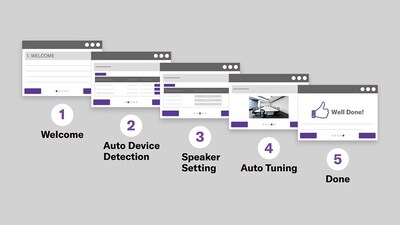
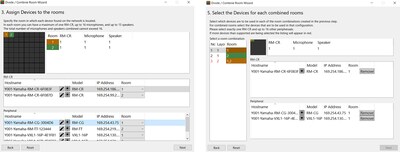
Divide/Combine Room Wizard
This feature makes it easy to design rooms for divide/combine operation. From the web GUI, run the “Divide/Combine Room” wizard to configure up to four rooms and their divide/combine modes. Create and save presets for each operating pattern, then recall them during use with the RM-CR Preset/Recall function.
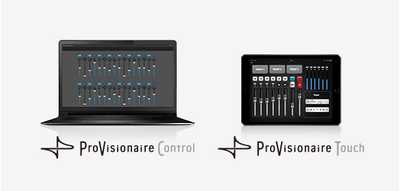
Smart Looks and Flexible Design for Custom Control Panels
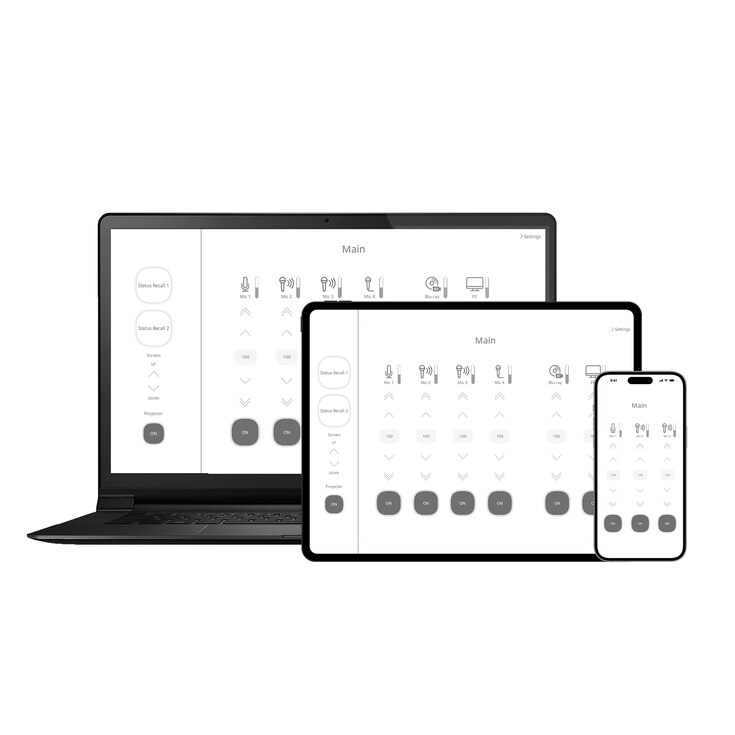
No specialized programming skills are required. An intuitive interface makes it easy to create faders for volume control and mute on/off of RM-CR. And position photographs or other graphic elements on the tablet screen as required to create original control panels that are ideally suited to conference audio controls. In addition, ProVisionaire Touch and ProVisionaire Control can control the MRX series processor and other Yamaha Pro Audio equipment. It is easy to combine those parameters onto the one screen. ProVisionaire Control and MRX7-D can control 3rd party networked equipment using commands of Ethernet protocols, UDP, or/and TCP.
Clearer Conversations, Fewer Distractions – Advanced AI Denoiser
With high-performance AI Denoiser, remote conversations become smoother and clearer, helping everyone stay focused and engaged.
* This feature is supported with ADECIA Firmware Version 3.0 and later.
-
AI Denoiser OFF
-
AI Denoiser ON
Using deep neural networks, the system provides adaptive noise reduction across a wide range of acoustic conditions. Additional tuning prioritizes conversational naturalness and continuity for smooth, seamless transitions.

A high-performance AI Denoiser function for enhanced noise reduction is built right into the hardware itself — no extra software, PCs, or additional settings are needed.
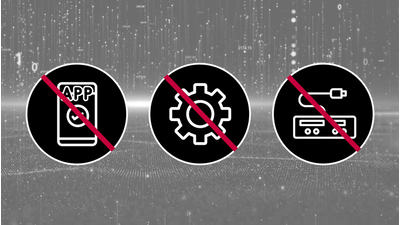
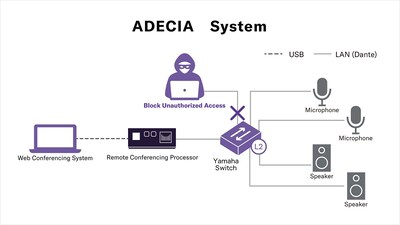
Enterprise level Security
Yamaha's comprehensive ADECIA remote conferencing solution utilizes the Radius Server and MAC Authentication capabilities of Yamaha switches to provide a robust, semi-automatic defense against security risks.
-
For customers using the SIP function with Firmware Version 2.8 or earlier:
Please note that the SIP function is not available with Firmware Version 3.0 or later.
If you would like to continue using the SIP function, for example when adding to an existing system, please contact your sales representative.
Various mounting methods to best fit your usage
Rack Mount
It can be installed in an EIA rack using the RM-MRK (dedicated rack mount bracket) on the main unit. (Only one unit can be installed in a 19-inch rack.)


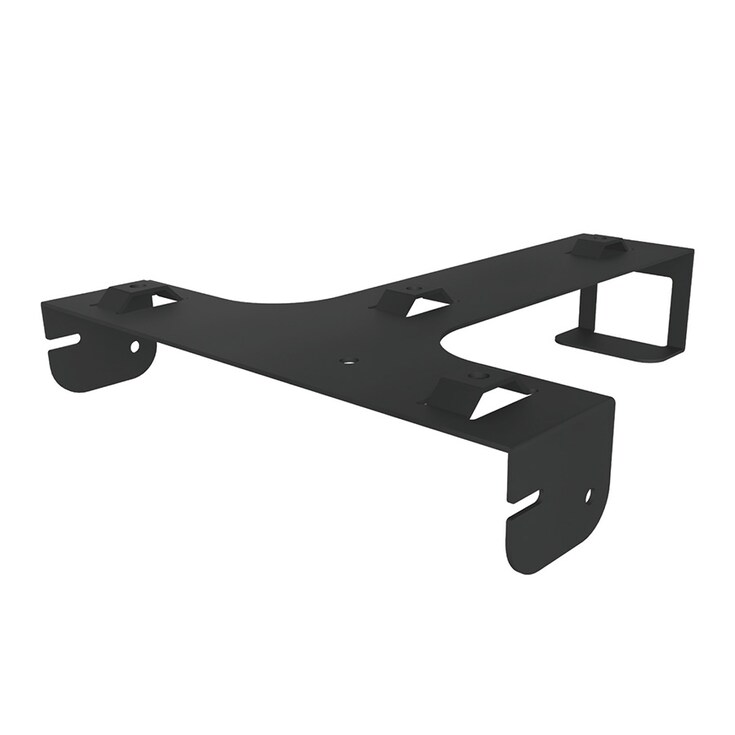
Table Mount
It can also be installed on the underside of a table using the RM-MTL (dedicated table mount bracket).


Related Information
Accessories
Related Products

Case Studies



Related Solutions



News



* Specifications are subject to change without notice. The colors and finishes shown may vary from those on the actual products.
